
Christian County Multi-Day Arrest Log
Christian County does not run one official arrest log with a fixed 72-hour or weekly window. The sheriff's office posts dated stories under Latest News and News Releases. Both pages stretch across many days behind pagination. Treat them as editorial archives, though. They cover selected incidents and public-interest cases, not every person booked into the Christian County Jail.
That gap matters for any multi-day search. An article date can lag the arrest date. Some releases describe an investigation with no booking attached, and some bookings never earn a release at all. Work backward through the archive for leads. Then confirm custody at the jail and the case in court records. A blank stretch of news never proves a quiet weekend.
Read Christian County Arrest Reports
Begin with a firm date span. Name the agency you think made the arrest. The jailer keeps the jail records, while the sheriff or a city police department holds the arrest report. Searching both layers keeps a booking record from being mistaken for the full story.
- Open the sheriff's dated news categories and move backward by publication date. Open each relevant story rather than relying on its headline.
- Separate the article date from the reported arrest date and booking time. Record the named agency and location.
- Check the official jail inmate-list route for present local custody. The live roster is not a historical log.
- For an exact range, request existing jail-register or booking records from the jailer and the arrest report from the named agency.
- Use CourtNet or the Christian Circuit Court Clerk for filed charges, hearings, bond changes, and final disposition.
Need only today's bookings? The Arrests Last 24 Hours page fits that question better. The multi-day method serves catch-up posts, weekends, and names already off a current-custody list.
The sheriff's News Releases archive displays dated incident posts. Pagination lets you page further back.

The dates mark stories, not a fixed arrest-log window.
Christian County Blotter Fields
A sheriff news story is prose. It is not a uniform database row. Open the article and copy only the facts the source states, checking any gap against the field inventory that follows.
| Field | How to read it |
|---|---|
| Name and age | Identify the reported person, while checking spelling and avoiding a match based on name alone. |
| Article date | The publication date. It is not automatically the date of arrest or booking. |
| Arrest date and place | Use only when stated in the story or arrest report. Request the police record if absent. |
| Arresting agency | Identifies the likely custodian of the police narrative, which may not be the jail. |
| Charges | Charges reported at that stage. Compare them with later court filings and disposition. |
| Bond or court date | Time-sensitive details that should be checked with the court or clerk. |
| Photograph | Record the caption and credit. A jail-contributed image does not make the news outlet the custodian. |
A jail booking file holds different fields. Expect a booking number, classification, commitment data, charges, bond, a court date, and a photo. Juvenile, sealed, victim, medical, security, or investigative protections can still limit what the public sees.
Christian County Weekend Posting Gaps
Christian County promises no posting schedule for weekend or holiday arrests. Jail intake continues around the clock. A news category waits for an edited release. A Monday story may describe something older. An older article can resurface in search results after a newer booking. Sort every fact by event date, booking date, and publication date. Never assume page order equals booking order.
Check the live jail list when current custody matters. For a full weekend, a date-bounded records request beats counting posts. Ask for records that exist. Do not ask the agency to build a custom log. If nothing turns up, ask whether the jailer, sheriff, or a city department holds it instead.
Note: A delayed news post does not mean a delayed booking, and a silent archive does not mean no arrests occurred.
Christian County Arrest Archives
The sheriff's category pages keep older posts behind pagination. No promise covers completeness or depth. For real source records, trust the county jailer's retention schedule. It lists a jail register, inmate files, classification sheets, and booking video or audio. Each sits as a separate series with different rules. A register or inmate file can outlive a roster row.
For an older date, file a focused Kentucky open-records request. Include the full name, a narrow date range, a known location, and the agency. Ask the jailer for any releasable register entry, booking sheet, classification sheet, commitment record, and booking photograph. Then ask the arresting agency separately for its incident report. Request electronic copies when that fits. Ask for a cited exemption on anything withheld.
Retention is not online visibility. Some jailer records run only to a set period after release. Investigative and court materials follow other schedules or legal holds. Older court files may sit in a records facility. Or they may be gone under Court of Justice destruction schedules. Start with the live custodian. Then try the Christian Circuit Court Clerk. Use Kentucky archives only when an inventory names the series.
Christian County Arrest News Images
Christian County Now's crime section tracks arrests across Hopkinsville, Oak Grove, and the wider county. Some stories credit the Christian County Jail for an image. That credit is a useful thread. It can point you toward where a booking photo came from. The outlet is not the records custodian, though. One credit does not mean the story holds the whole booking file.
Treat local reporting as a second step. WKDZ and WHOP also publish arrest narratives from Christian County. None of them is a complete police blotter. Keep the story's publication date apart from the reported arrest date. Name the agency cited. Take final outcomes back to the originating agency and the court.
The Christian County Now crime feed shows this local news layer:
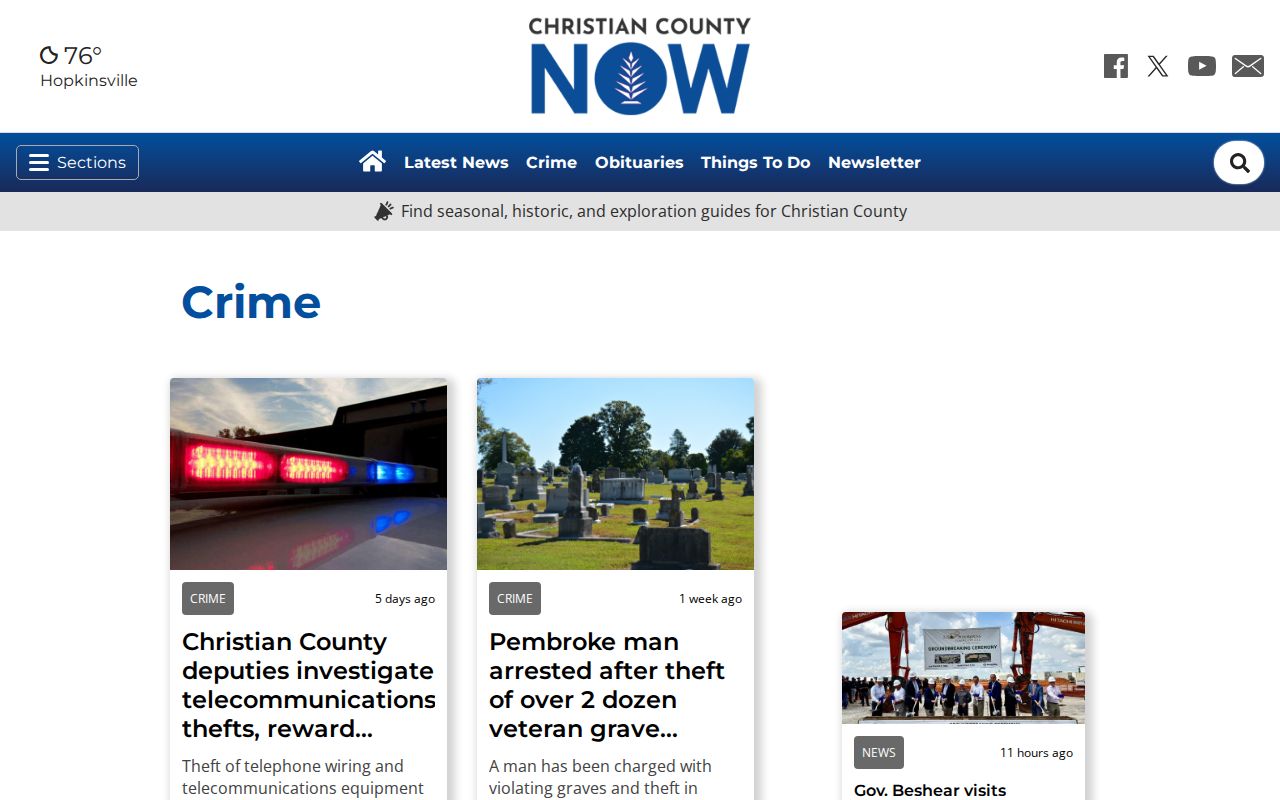
A story can flag an event or an image source. Still, it stays a selected news report rather than an official booking record for Christian County.
Request Christian County Arrest Archives
Keep archives and blotters separate. A blotter is a running log. Archived arrest records already sit in files you can request. Name the person, the date, the place, and the arresting agency. The jailer holds jail-register entries, booking sheets, classification sheets, commitment records, and releasable photographs. The sheriff and city police each keep records. Each holds its own arrest and incident reports for the same event.
Sheriff records move through Christian County Sheriff Public Affairs. That office sits at 701 West 7th Street, Hopkinsville, Kentucky 42240. Call 270-887-4141, fax 270-887-4032, or use an email route from the page. Ask for electronic copies where possible. If something gets withheld, request the cited exemption plus any part that can be released.
Save every answer you receive. Phrases like “no responsive record,” “not held here,” “exempt,” or “destroyed under schedule” each mean something different. A routing reply may send you to the jailer, city police, or court clerk. That paper trail often beats another search. Scattered news coverage of an old Christian County arrest rarely matches it.
Once records arrive, weigh them against each other. A jail register shows admission and discharge facts. A classification sheet lists current charges, court dates, bond, and physical details. The police report carries the agency's own narrative. The court docket tracks filed charges and rulings. Note any conflicts and check them rather than blending everything into one story.